
Speeding Up SQL Server Operations with Instant File Initialization (IFI)
Enable IFI in SQL Server

Topics Covered in This Article:
What is Instant File Initialization (IFI)?
How to Enable IFI During or After Server Installation
How to Check if IFI is Enabled
Demo: How IFI Speeds Up Restoring Databases and Adding Datafiles
What is Instant File Initialization (IFI)?
Datafiles and logfiles are written with zeroes when they are newly created. When IFI is enabled, files are not initialized with zeroes and they can be used immediately and this makes the following operations speed up:
Adding new datafiles
Restoring database
Creating new database
Increasing size of datafiles
Starting with SQL 2022, log files that have autogrowth set up to 64MB can take advantage of IFI. In versions earlier than SQL 2022, log files cannot take advantage of IFI.
How to Enable IFI During or After Installation
Enabling IFI During Server Installation:
Check the box - Grant Perform Volume Maintenance Task privilege to SQL Server Database Engine Service
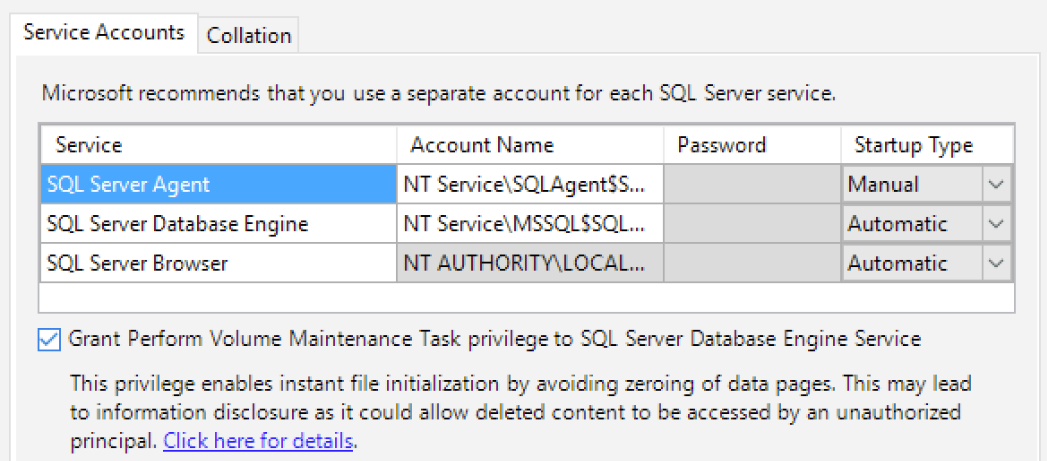
Image: https://sqlperformance.com/2016/03/io-subsystem/ifi-tempdb-setup
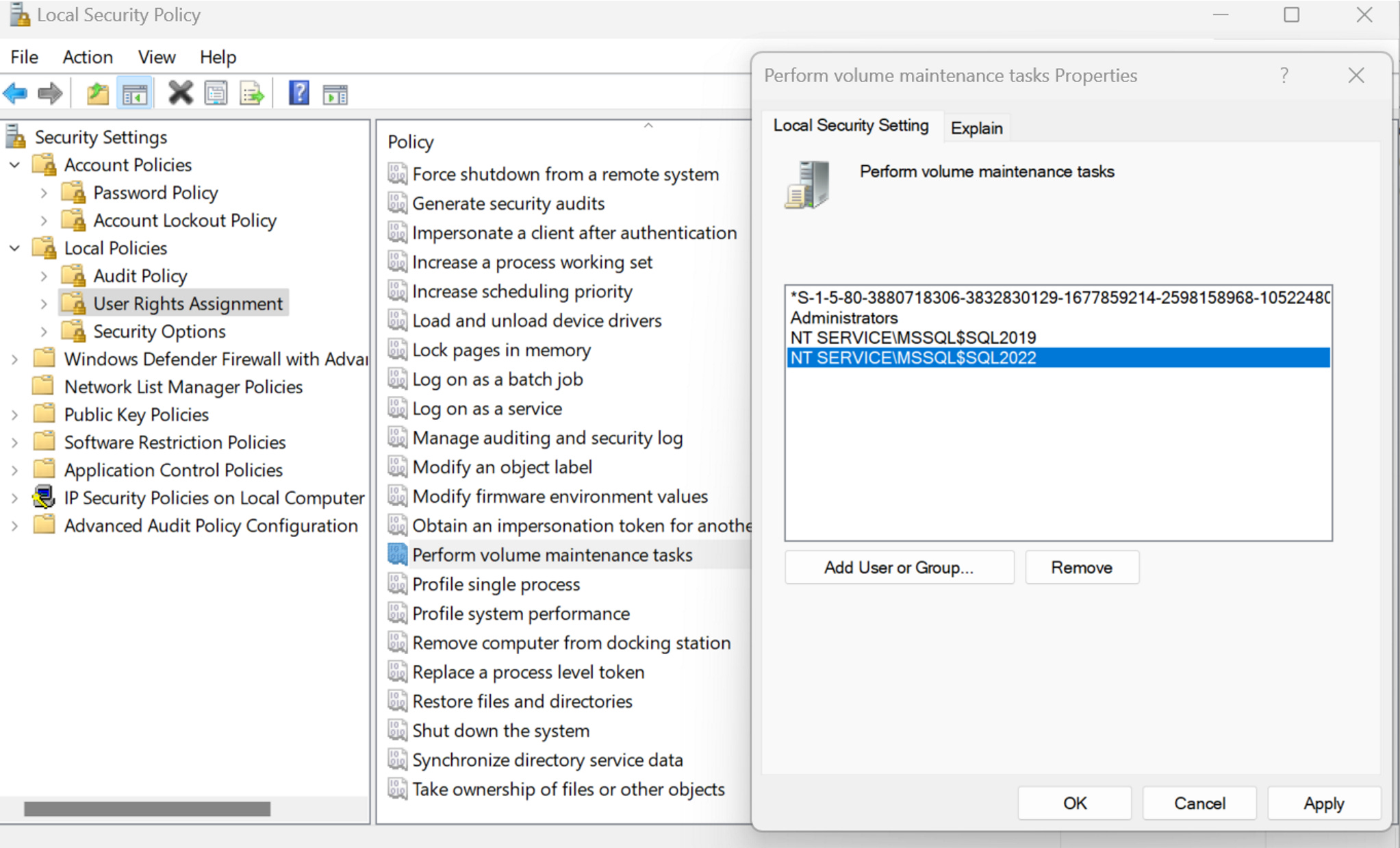
Enabling IFI After Server Installation:
Steps to enable IFI:
Open up Local Security Policy
Under Local Policies, Click ‘User Rights Assignment’
Double click on ‘Perform Volume maintenance tasks’
Add service account in ‘Local Security Setting’ tab and hit Apply and OK.
Restart SQL Server instance for it to take effect.
How to Check if IFI is Enabled
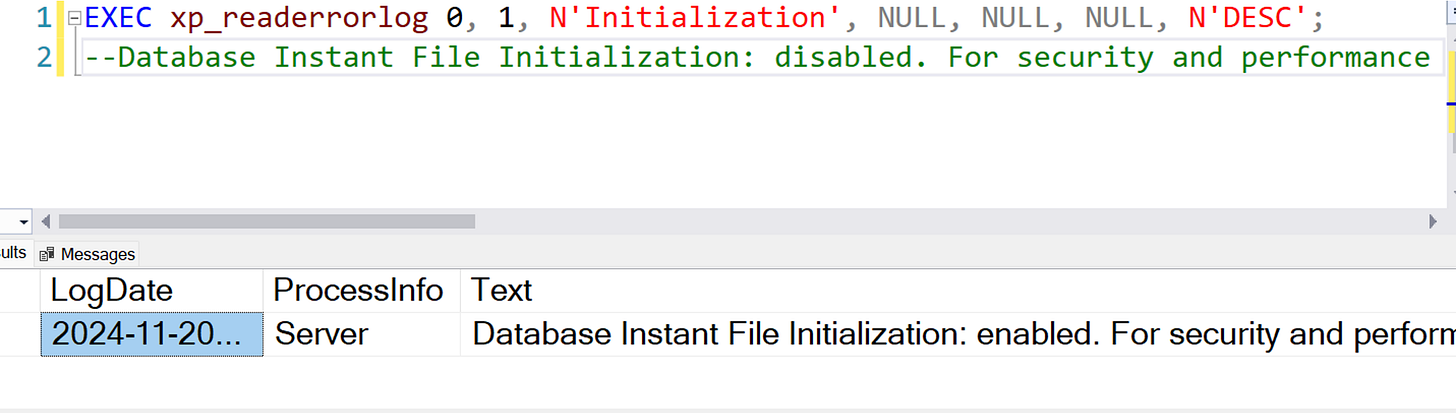
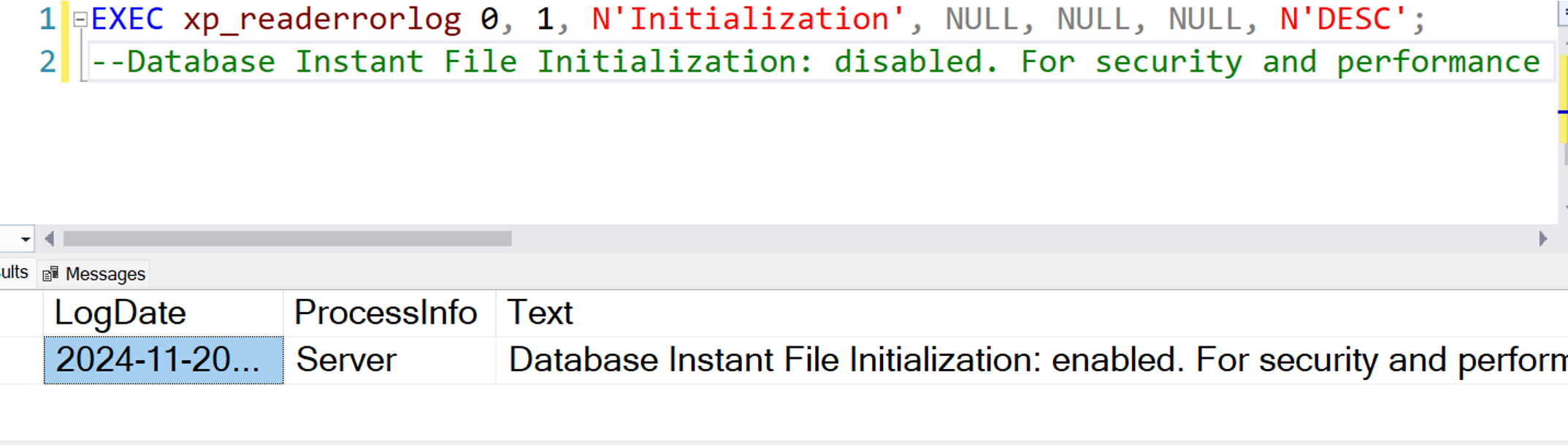
Check from error log: Under text column, you will see enabled or disabled.
EXEC xp_readerrorlog 0, 1, N'Initialization', NULL, NULL, NULL, N'DESC';
Query sys.dm_server_services: Under
instant_file_initialization_enabledcolumn, value is Y for enabled and N for disabled.
SELECT instant_file_initialization_enabled, *
FROM sys.dm_server_services;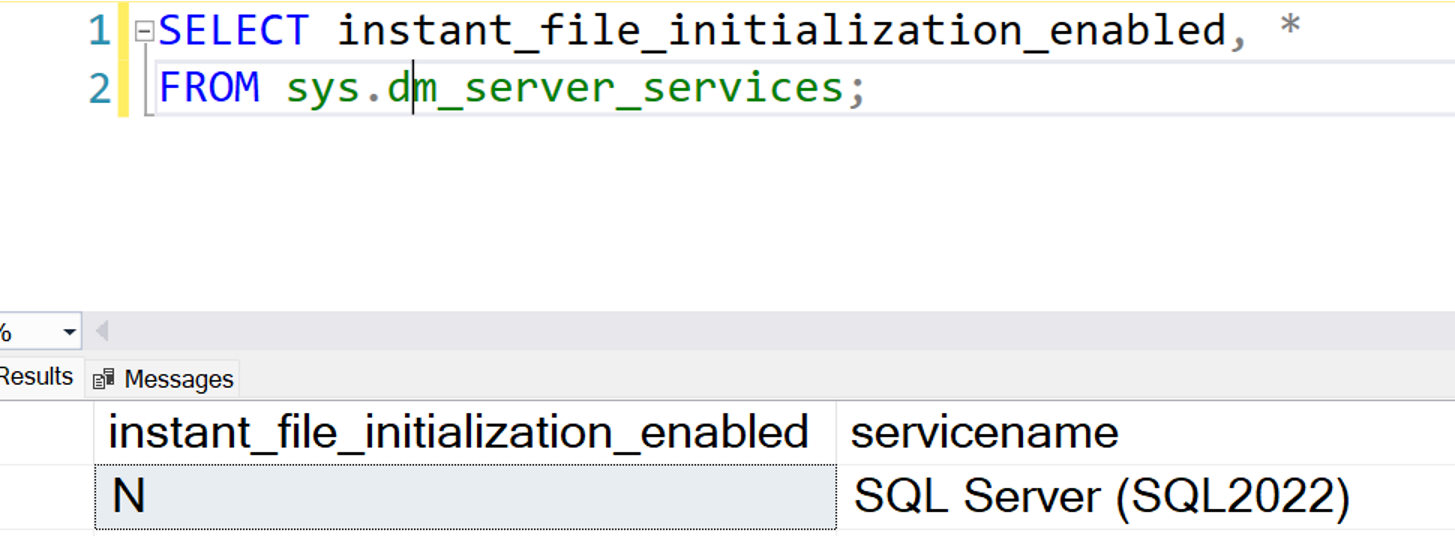
How IFI Improves Performance
Let’s see how enabling IFI improves performance by running two demos: one to restore a database and another to add a datafile.
Demo 1: Restoring a Database
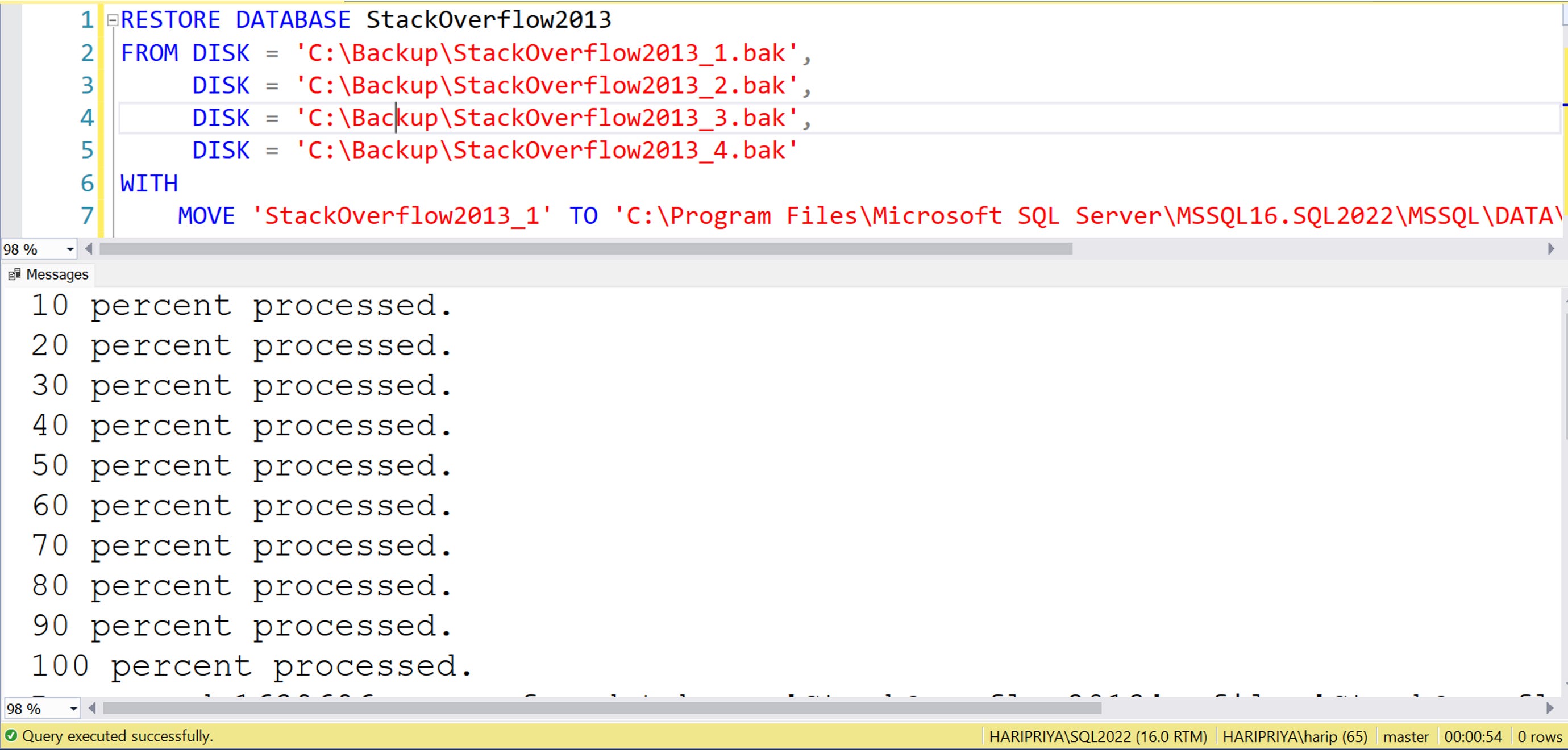
Do a restore of StackOverflow2013 with IFI disabled - takes 54 seconds
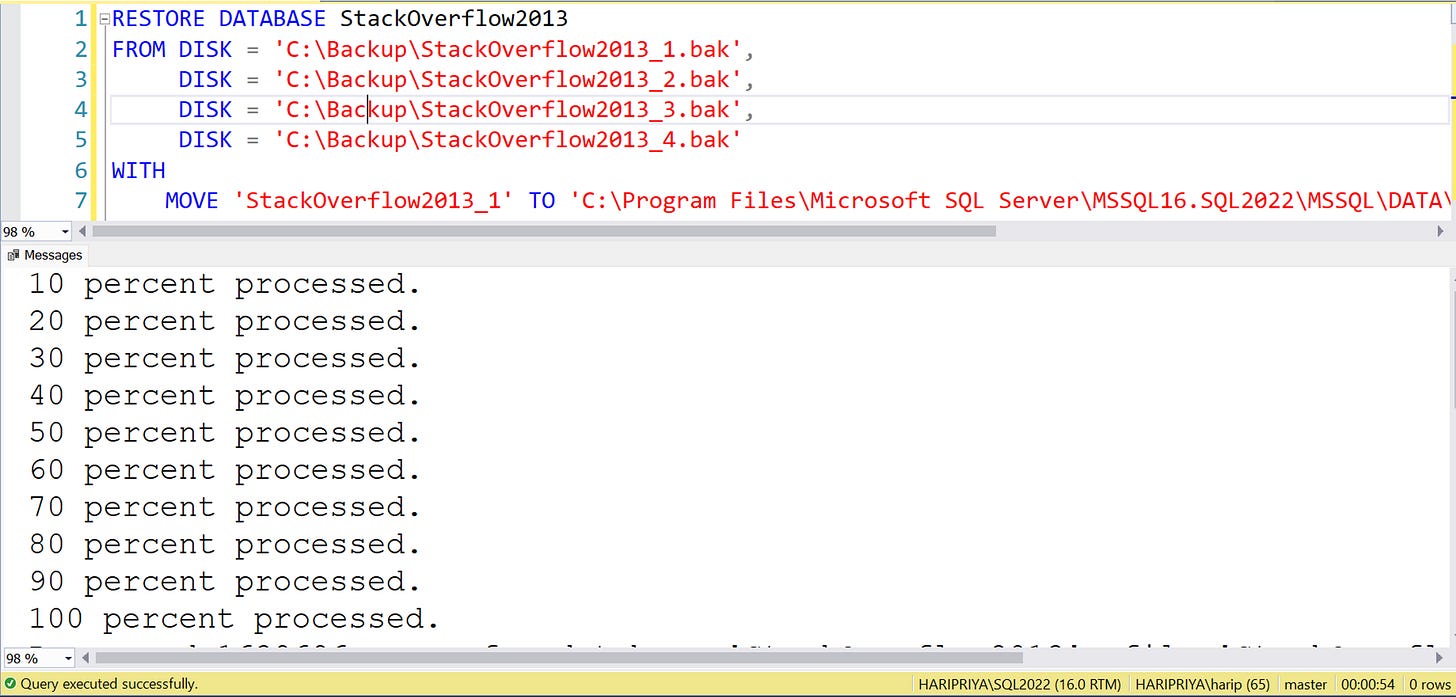
Enable IFI and restart SQL Server instance for it take effect.
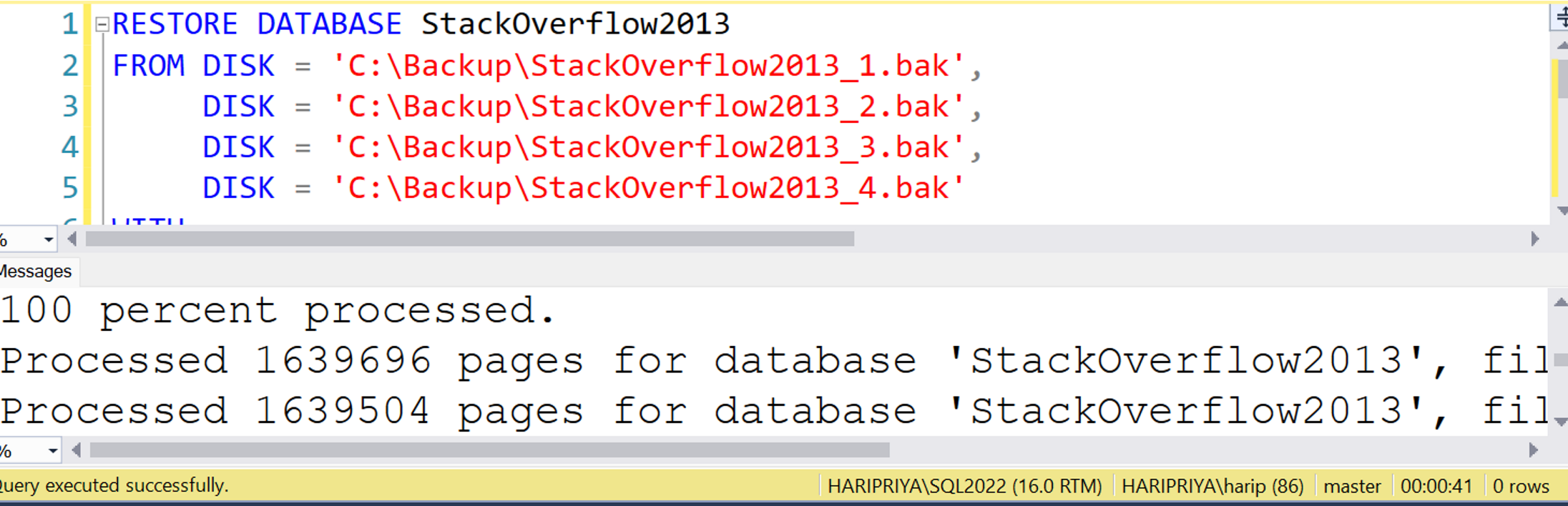
Do a restore of same database with IFI enabled - takes 41 seconds. That’s 25% faster for a 50GB database. Imagine how much it would help for databases that are of TBs.
Demo 2: Adding a Datafile
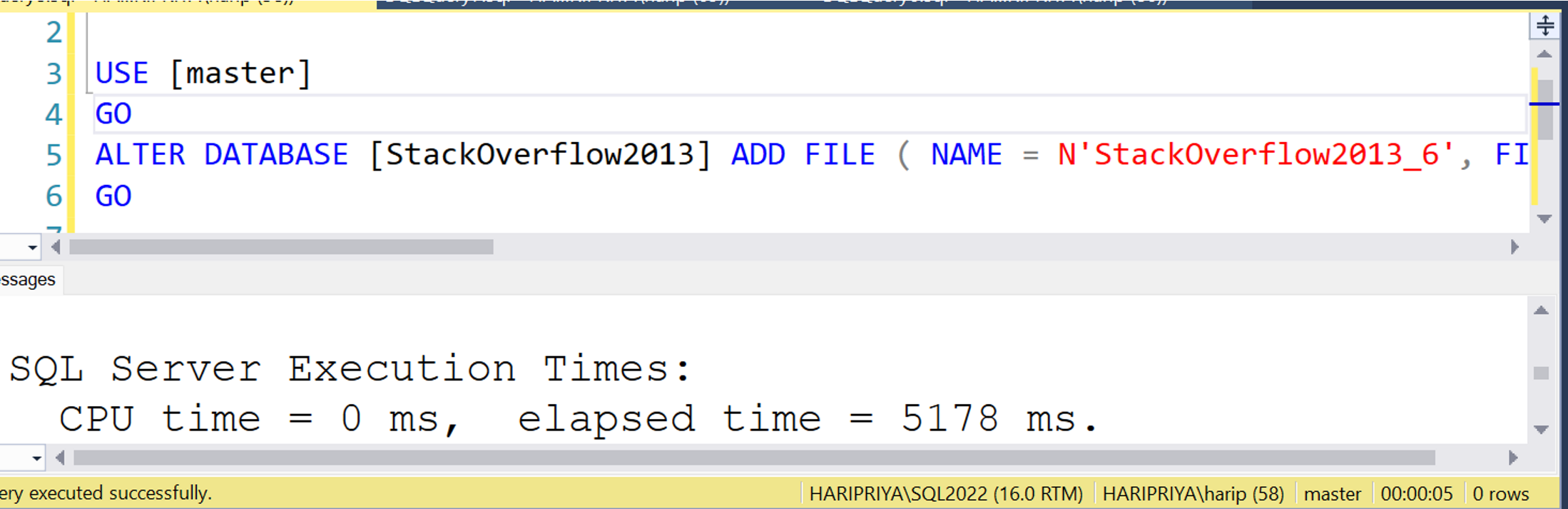
Add datafile to StackOverflow2013 with IFI disabled - takes 5 seconds.
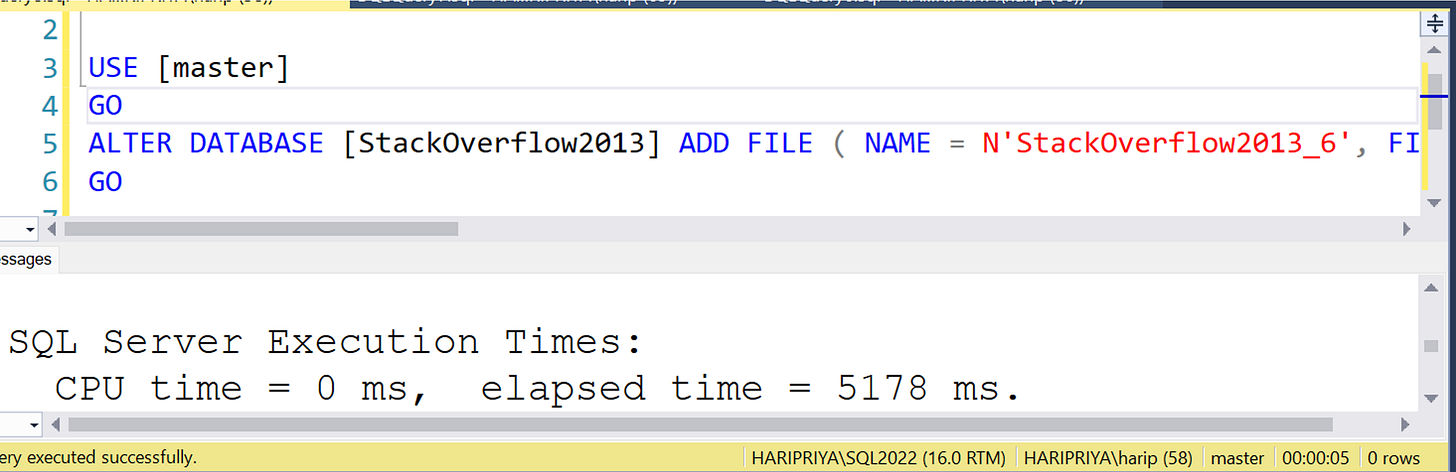
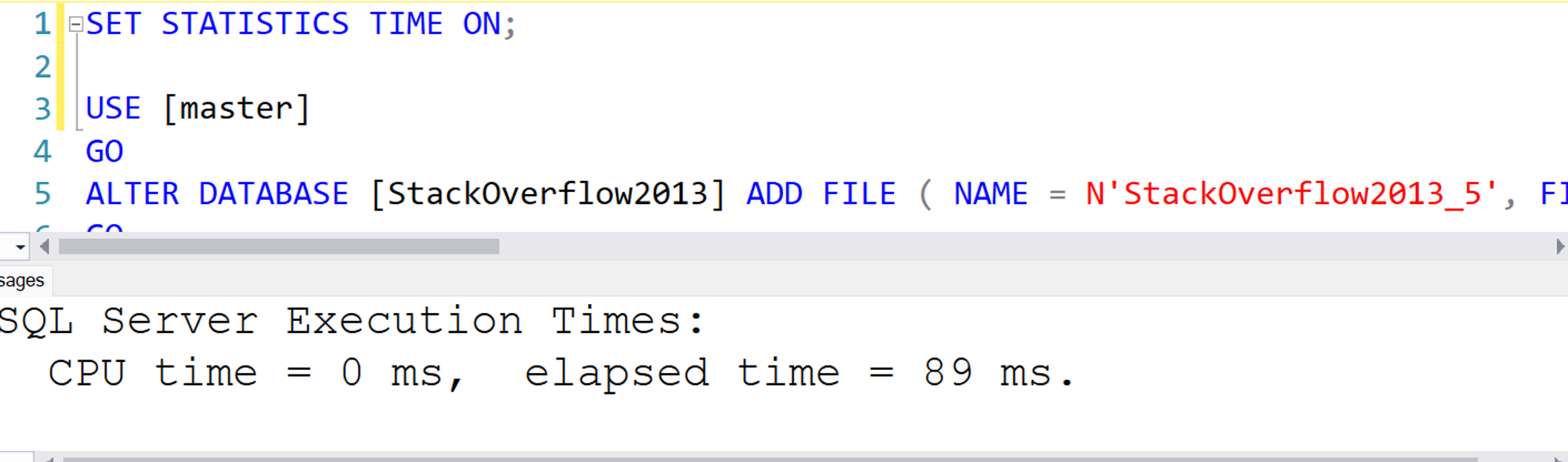
Enable IFI, restart SQL Server instance and add datafile - takes less than a second.
That is 5 times faster.
Note
If Transparent Data Encryption(TDE) is enabled, then IFI does not help.

Image: Microsoft documentation about TDE
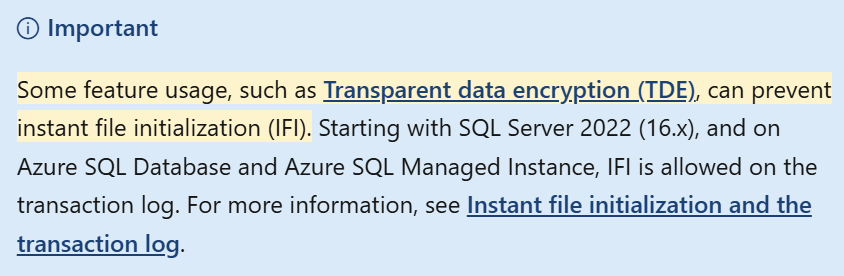
Image: Microsoft documentation about IFI
Summary:
Enabling Instant File Initialization (IFI) can speed up operations such as adding data files and restoring databases. We saw that:
Adding a data file is 5 times faster with IFI enabled.
Restoring a 50GB database is 25% faster with IFI.
If you still have IFI disabled, I recommend enabling it.
Apart from TDE, if there are any cases where you had to leave IFI disabled, please feel free to share in the comments below. Hope this helps.
Resources:
https://www.brentozar.com/blitz/instant-file-initialization/
Thanks for reading,
Haripriya
I have a question: when you added the file, did you set the size? Because in the existing image, this option is not visible. While I was testing, when IFI was disabled and I added the file to the database, it was created in under a second.
By the way, my laptop's hard drive is an SSD.
Suggestion: If possible, including the codes you tested in the article would make it much more complete.
Thanks, will try this for a migration I'll be doing next week